
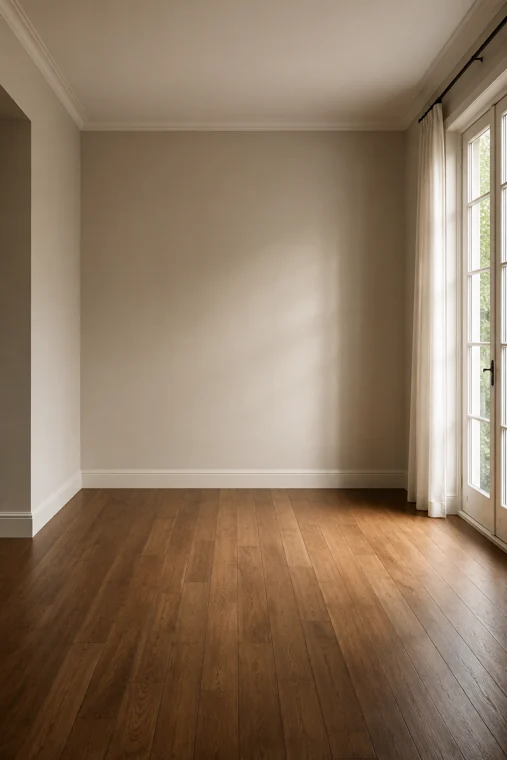
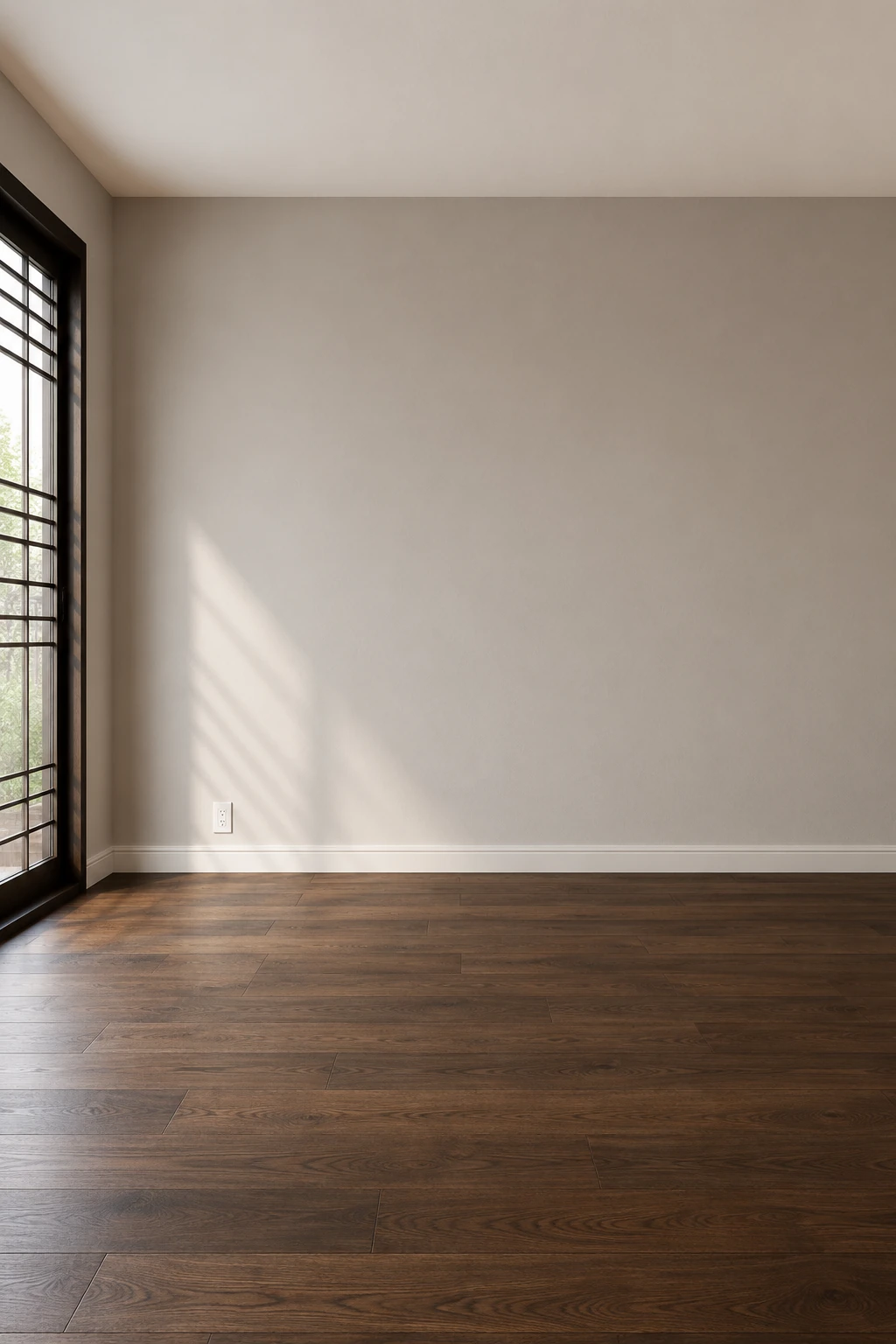
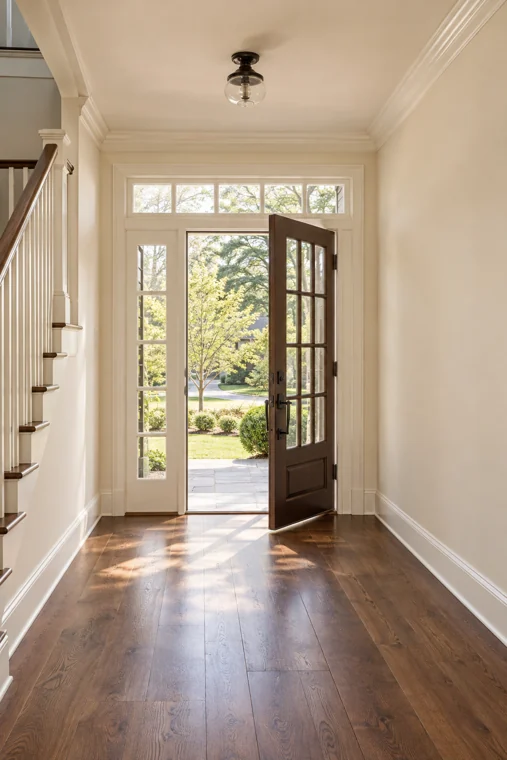
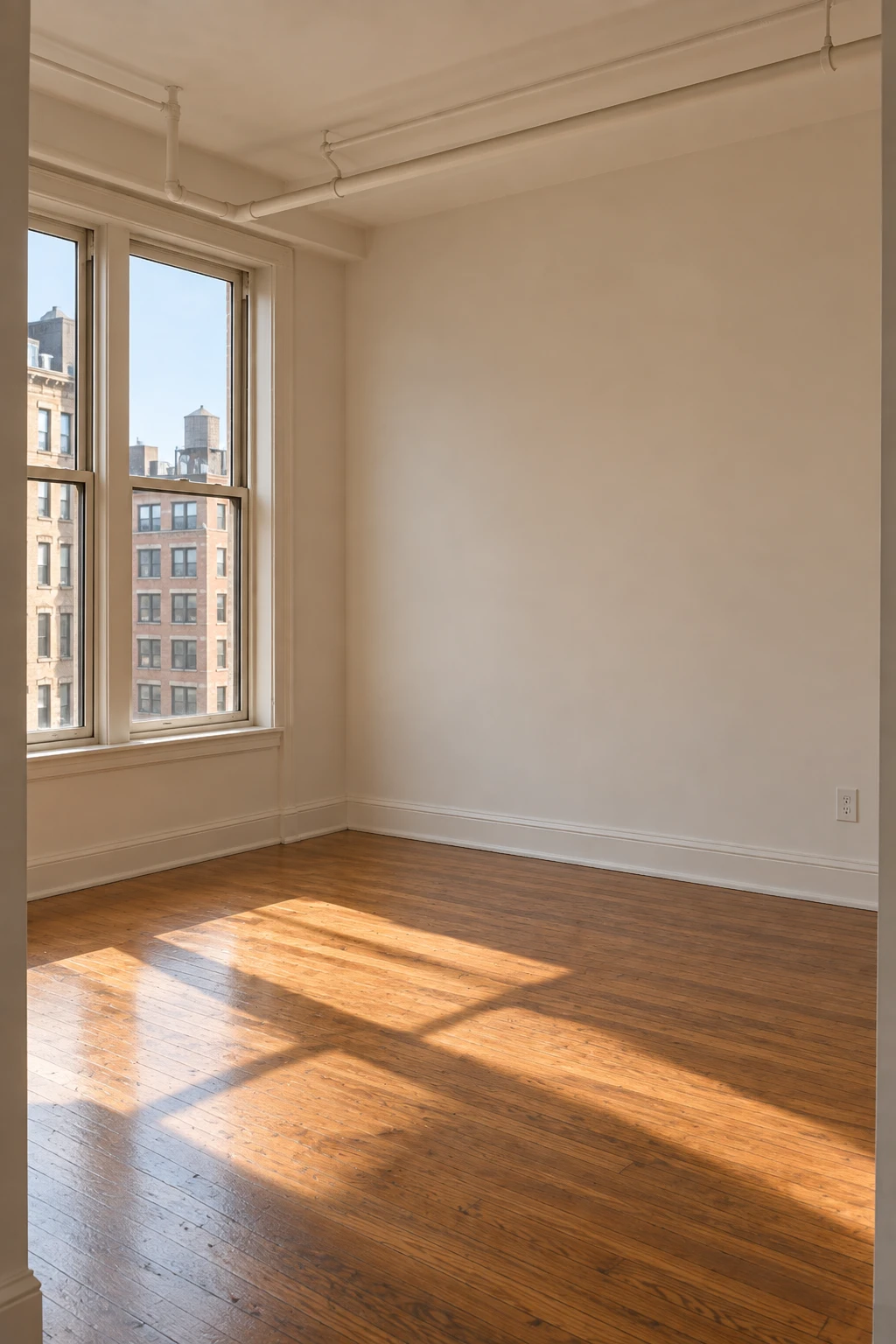
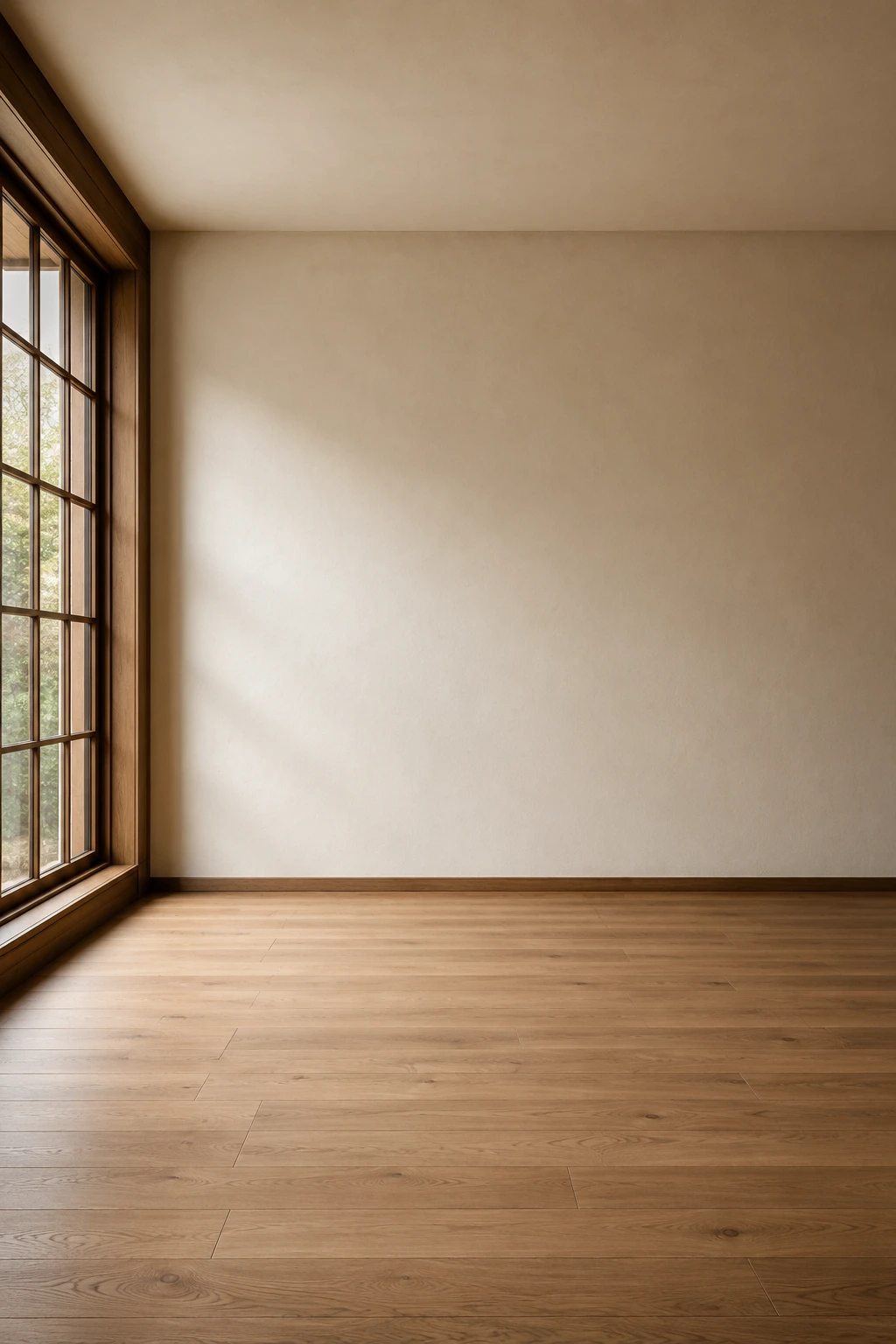
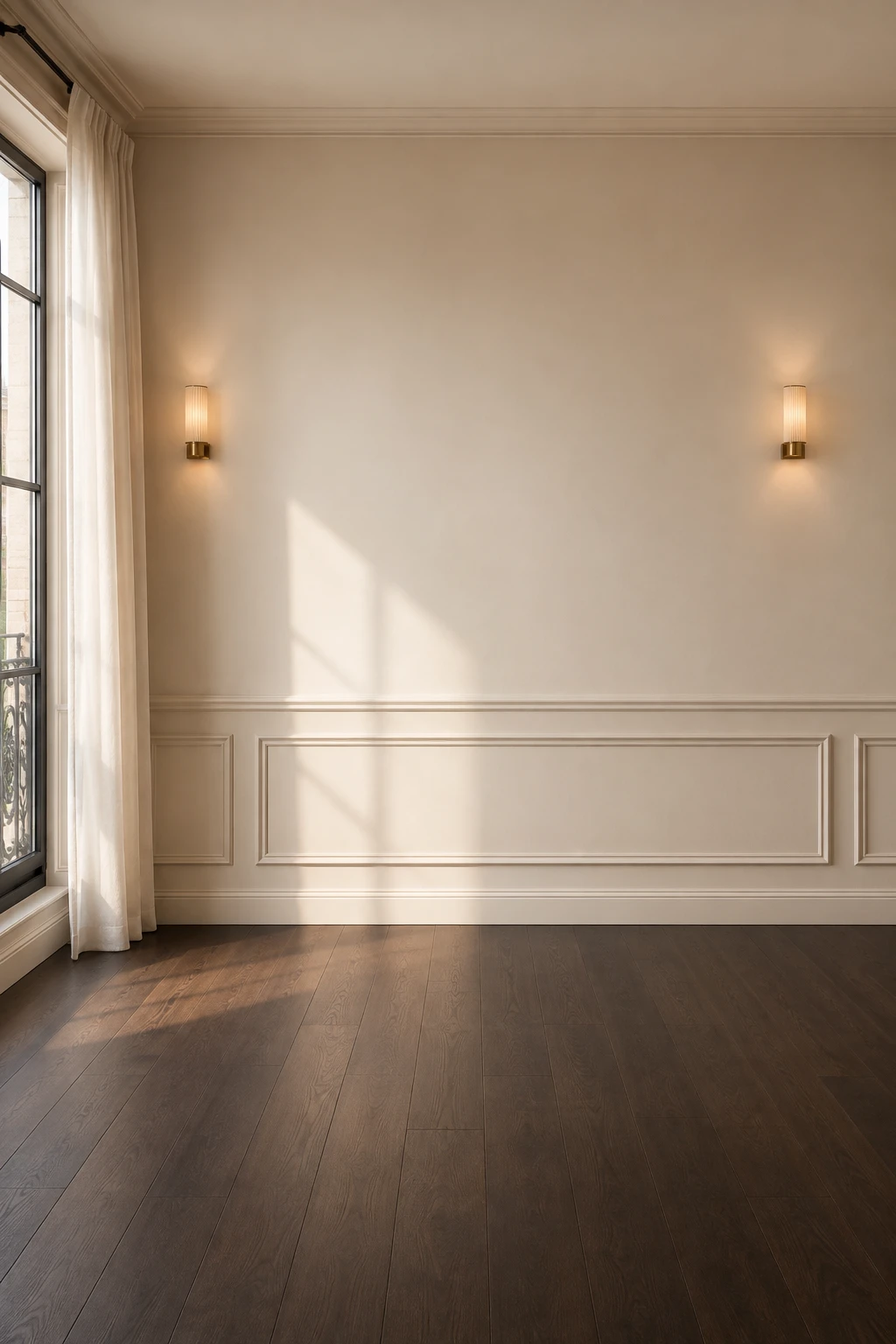
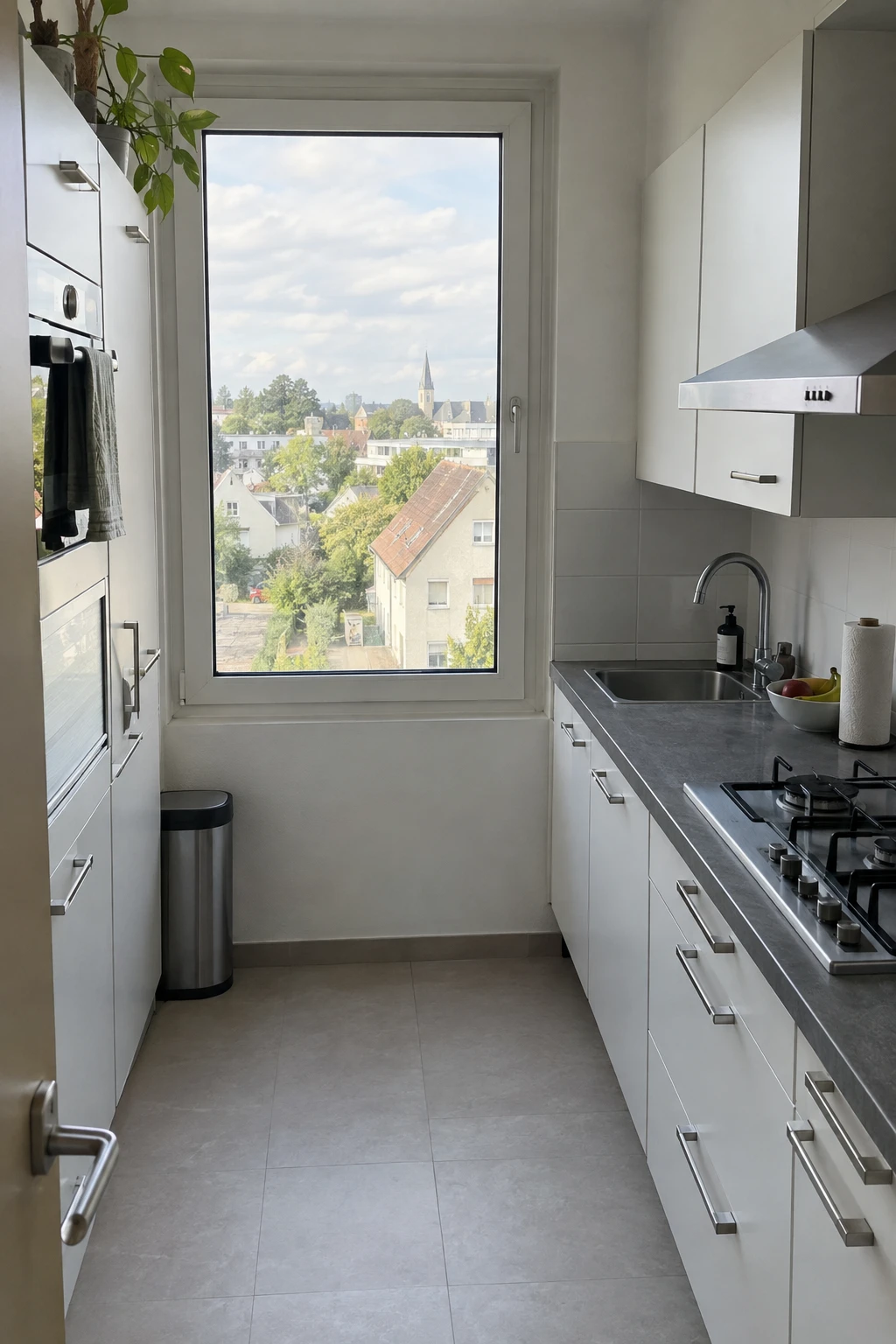

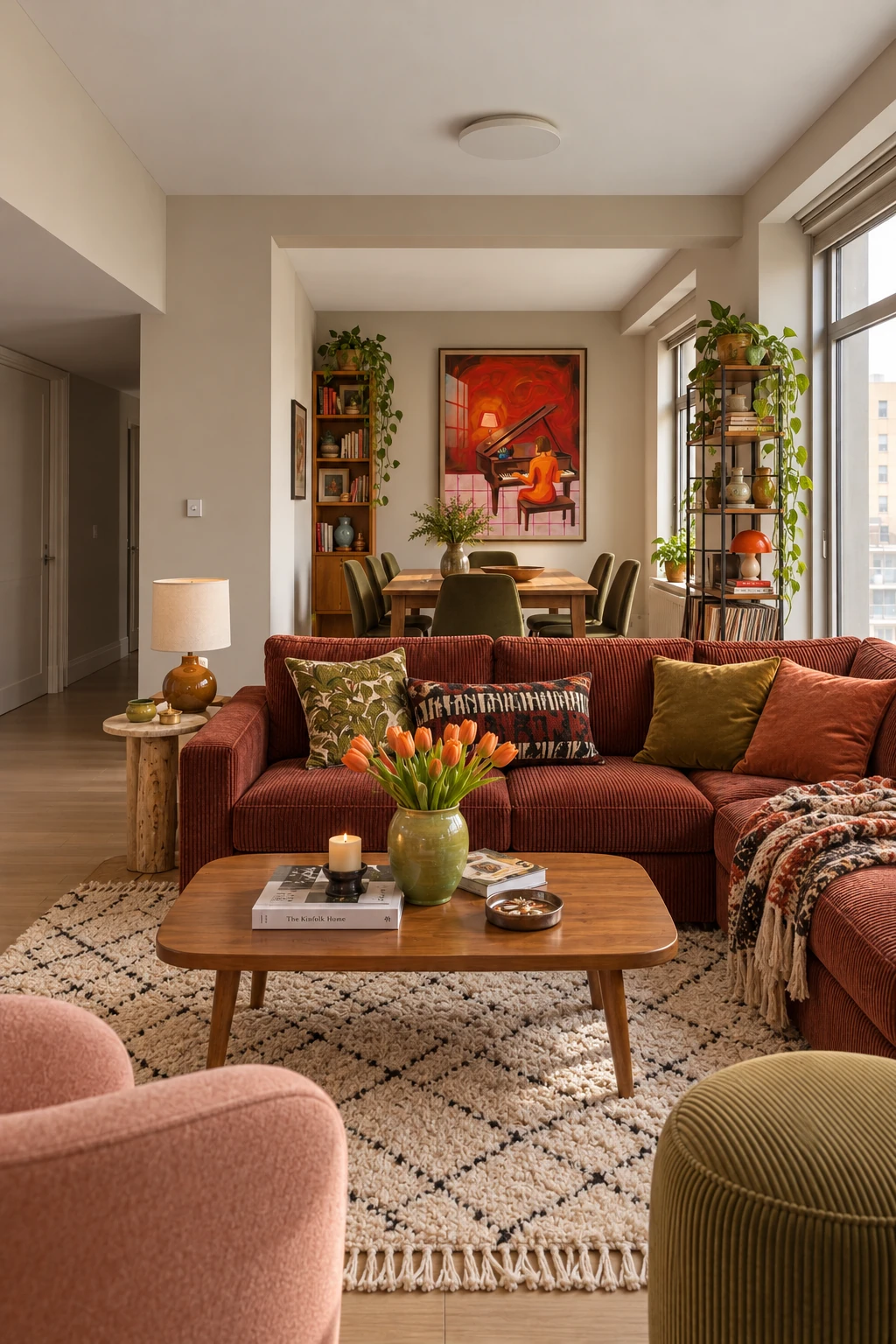
Your room.
A little more you.
Turn a photo of your room into a place that feels like you.
A new look. A fresh feeling. Your own good taste.
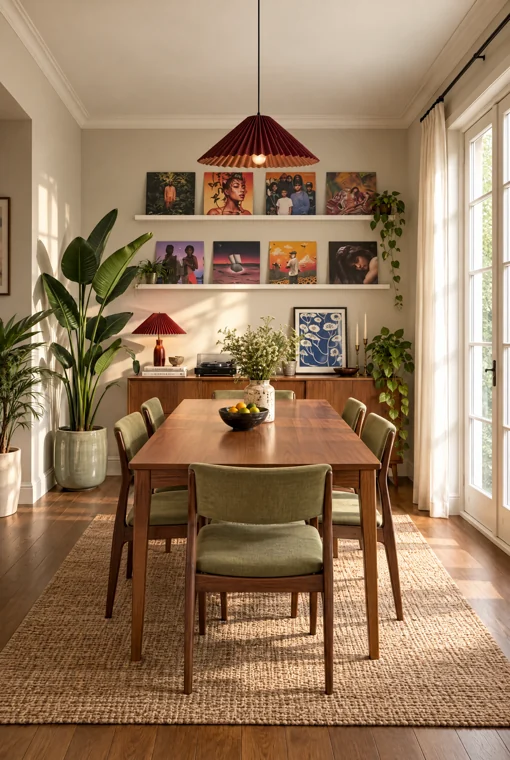
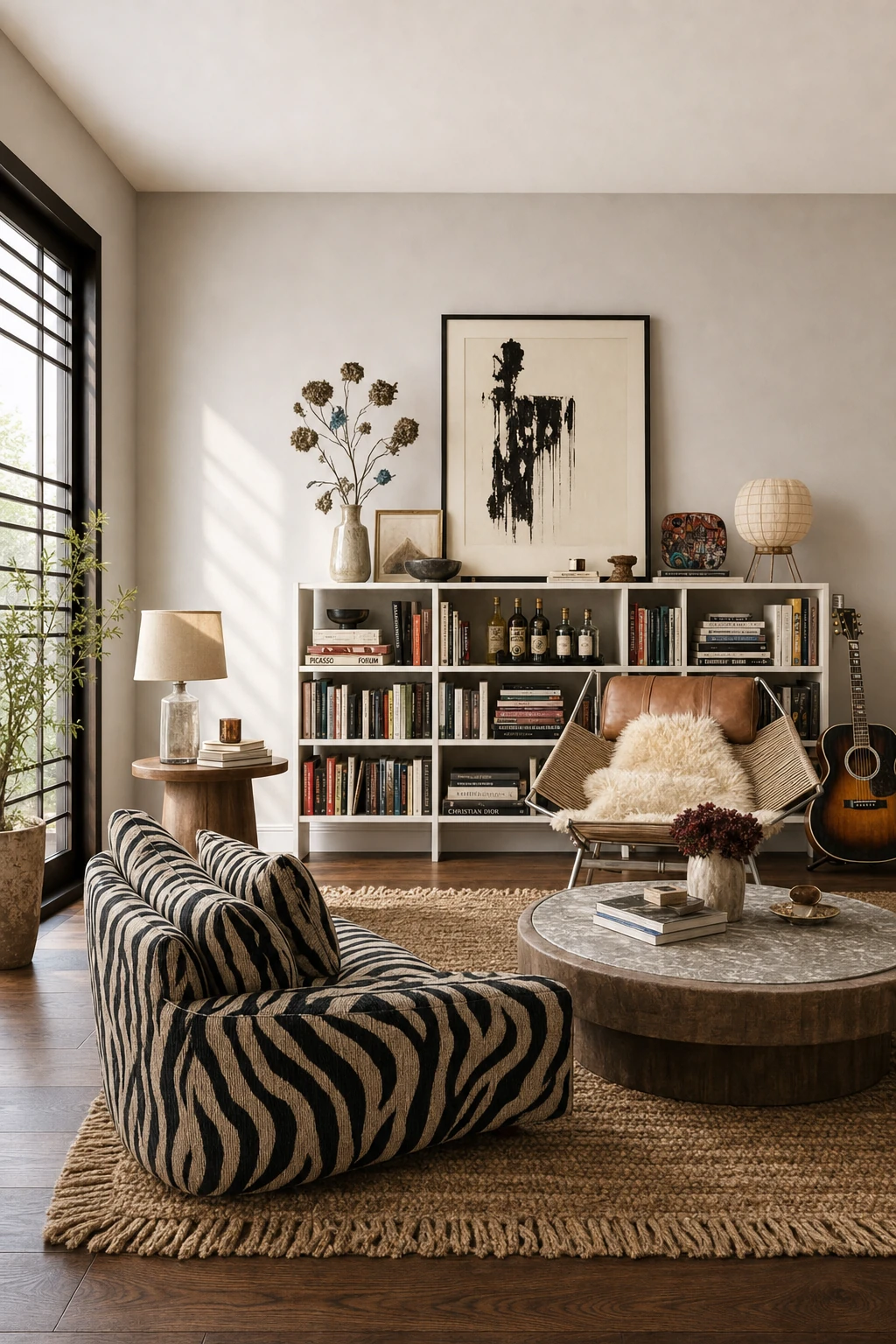
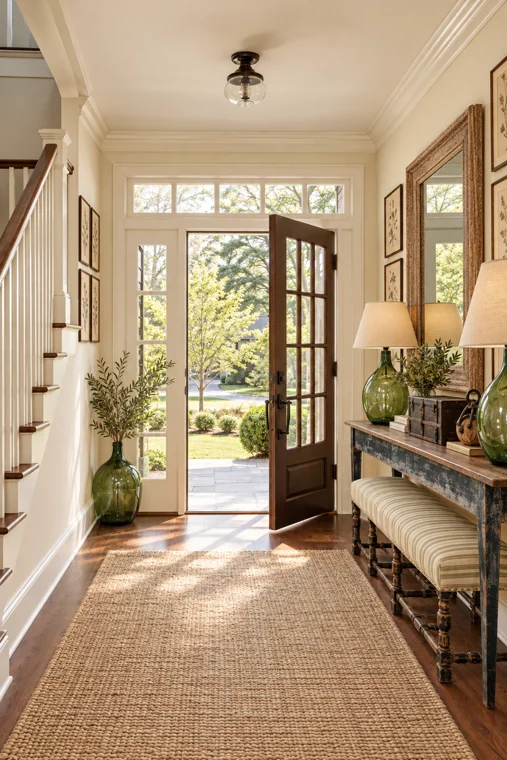
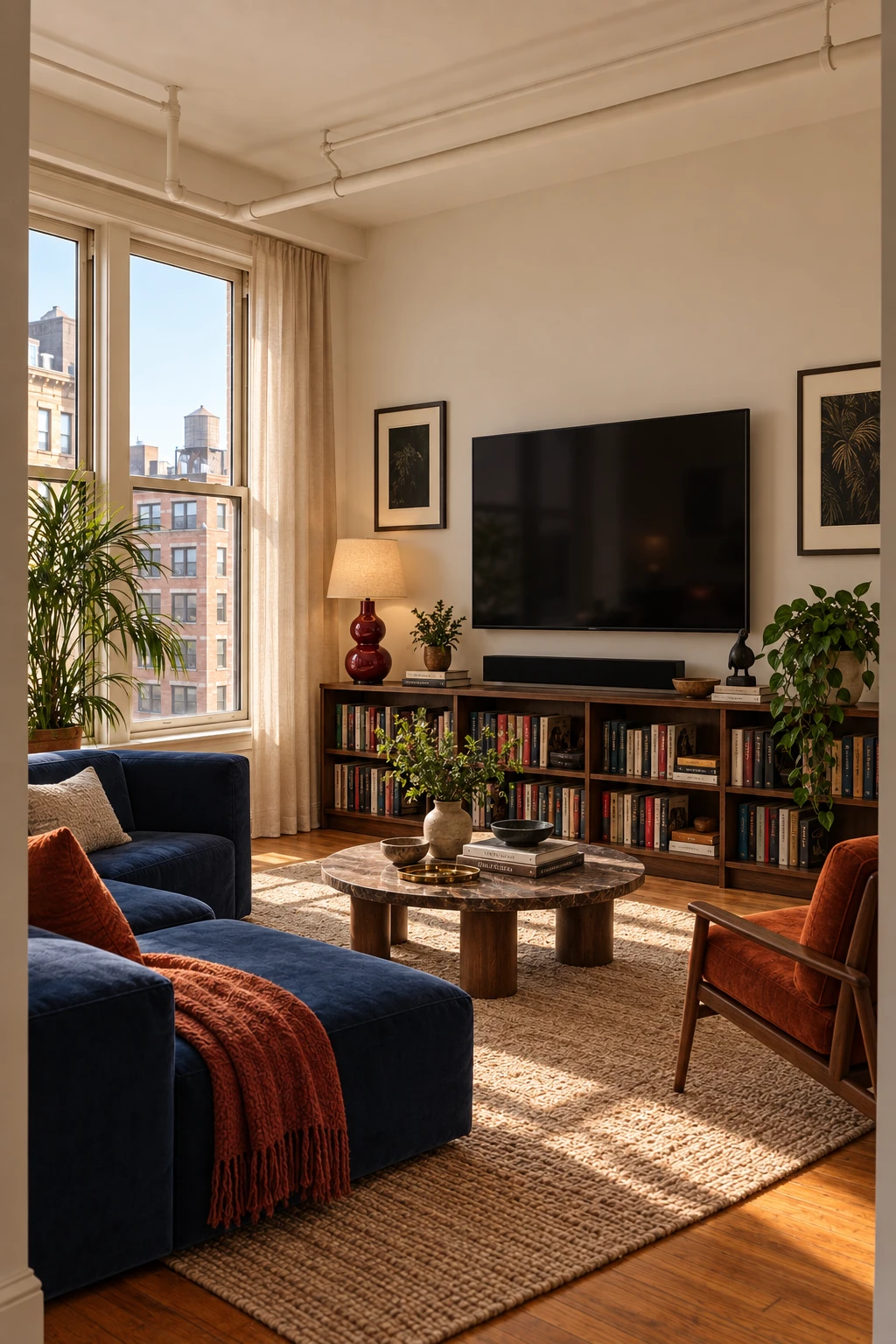
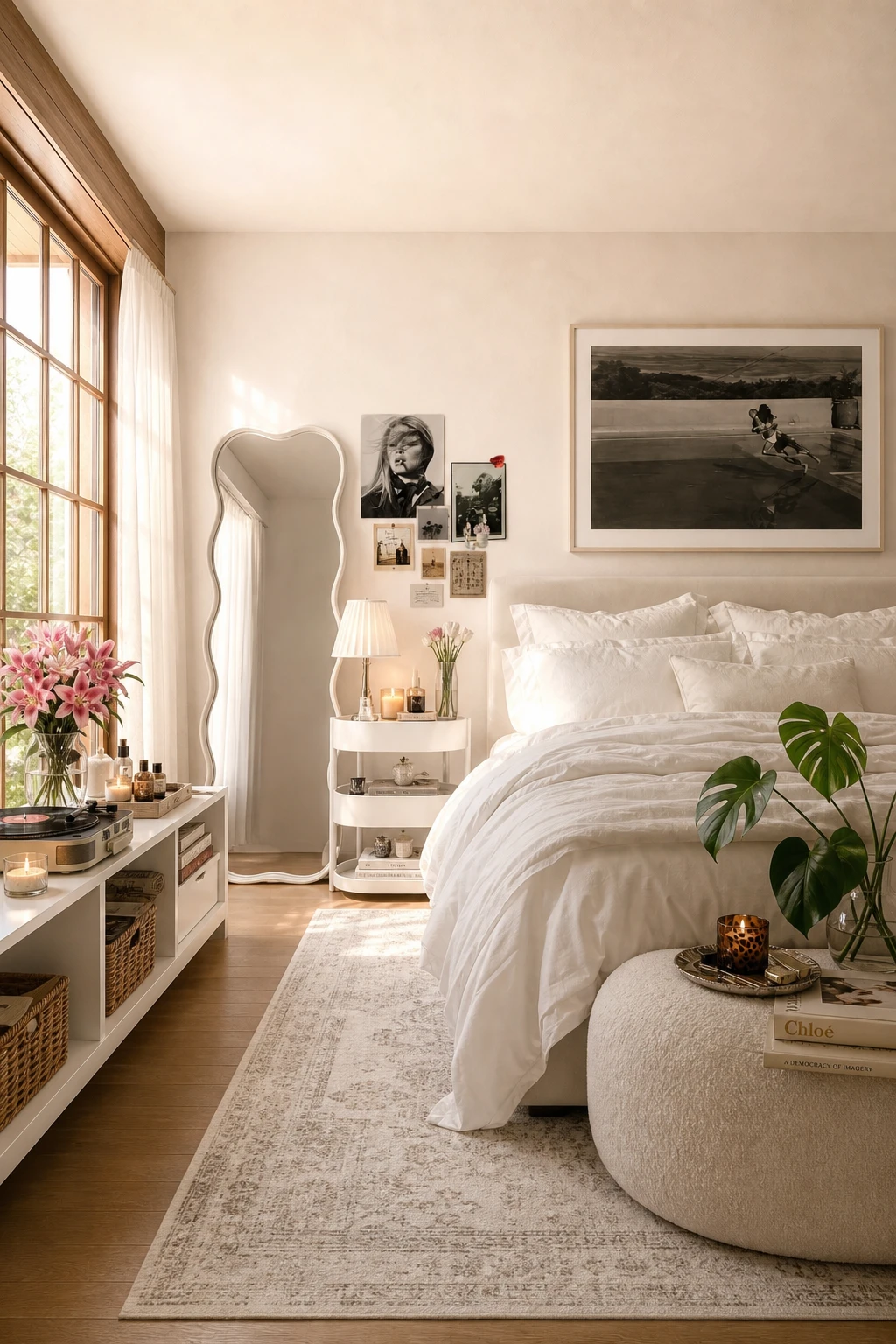
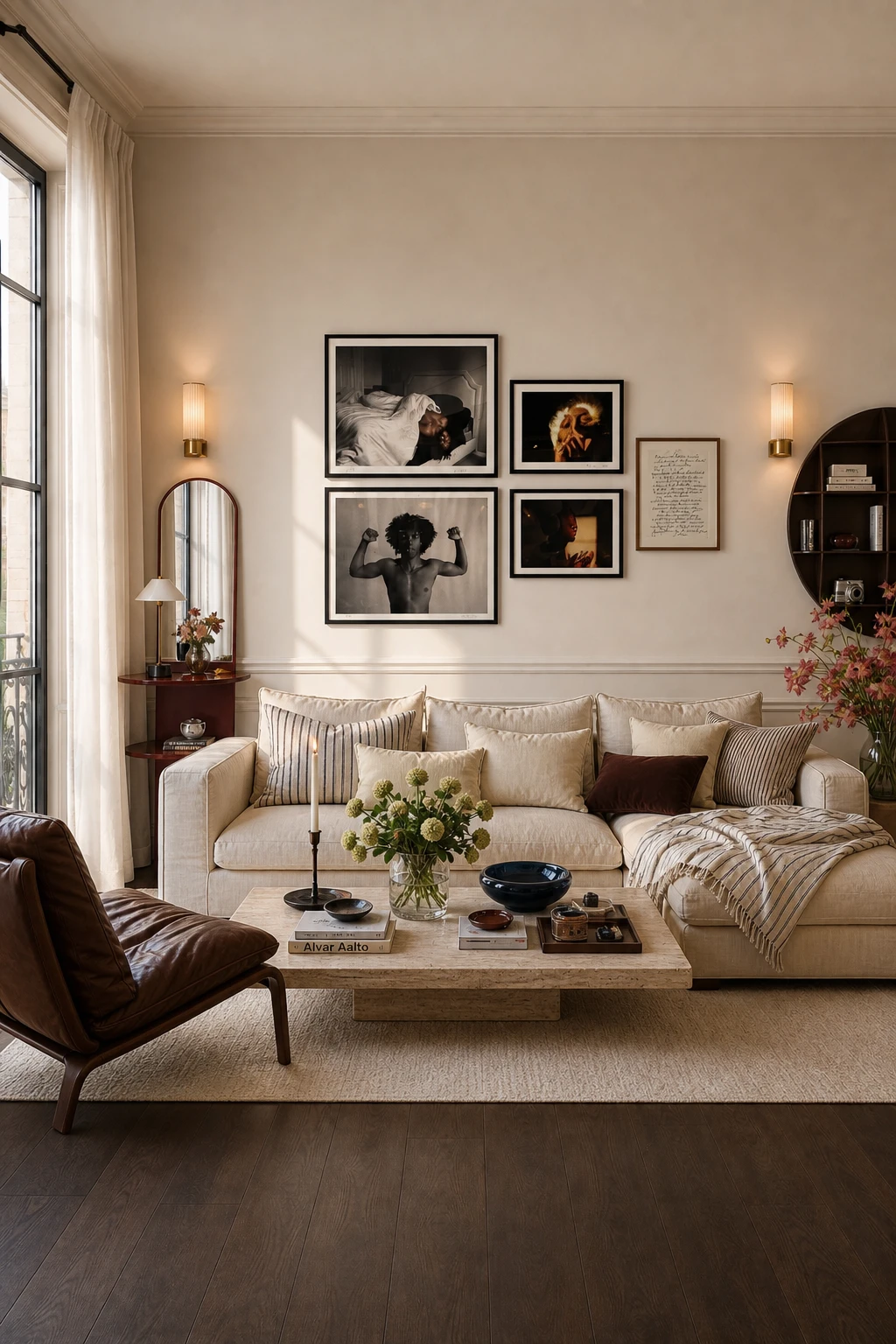
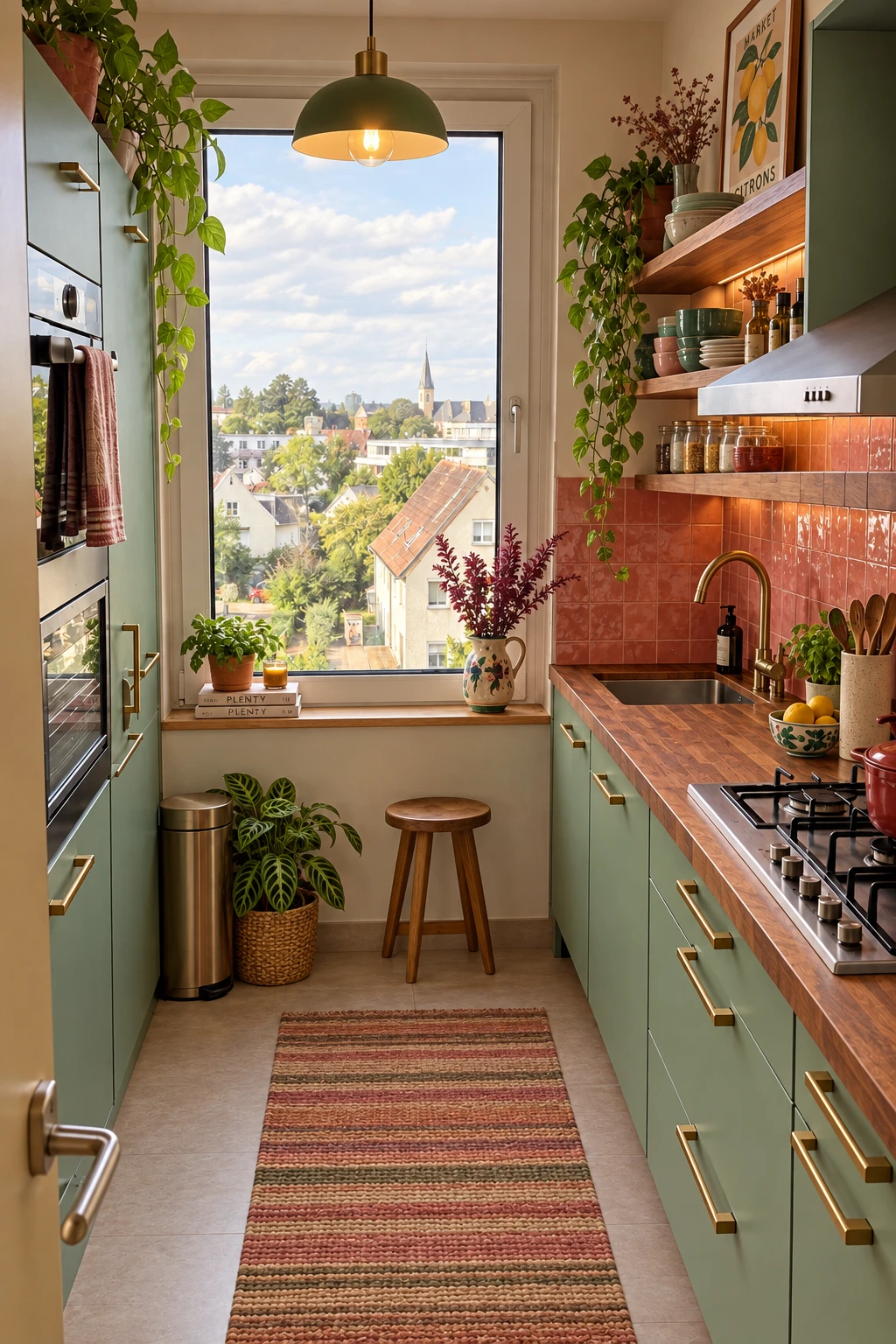
Design your room.
Choose a style to restyle the room.
Drag any photo, note, or palette to rearrange it. With a piece focused, use the arrow keys to move it, or hold Shift for larger steps.
Change the sofa to forest green.
Before
For your home.
Or your next project.
A room refresh or a new direction
for your next client.
Bedroom
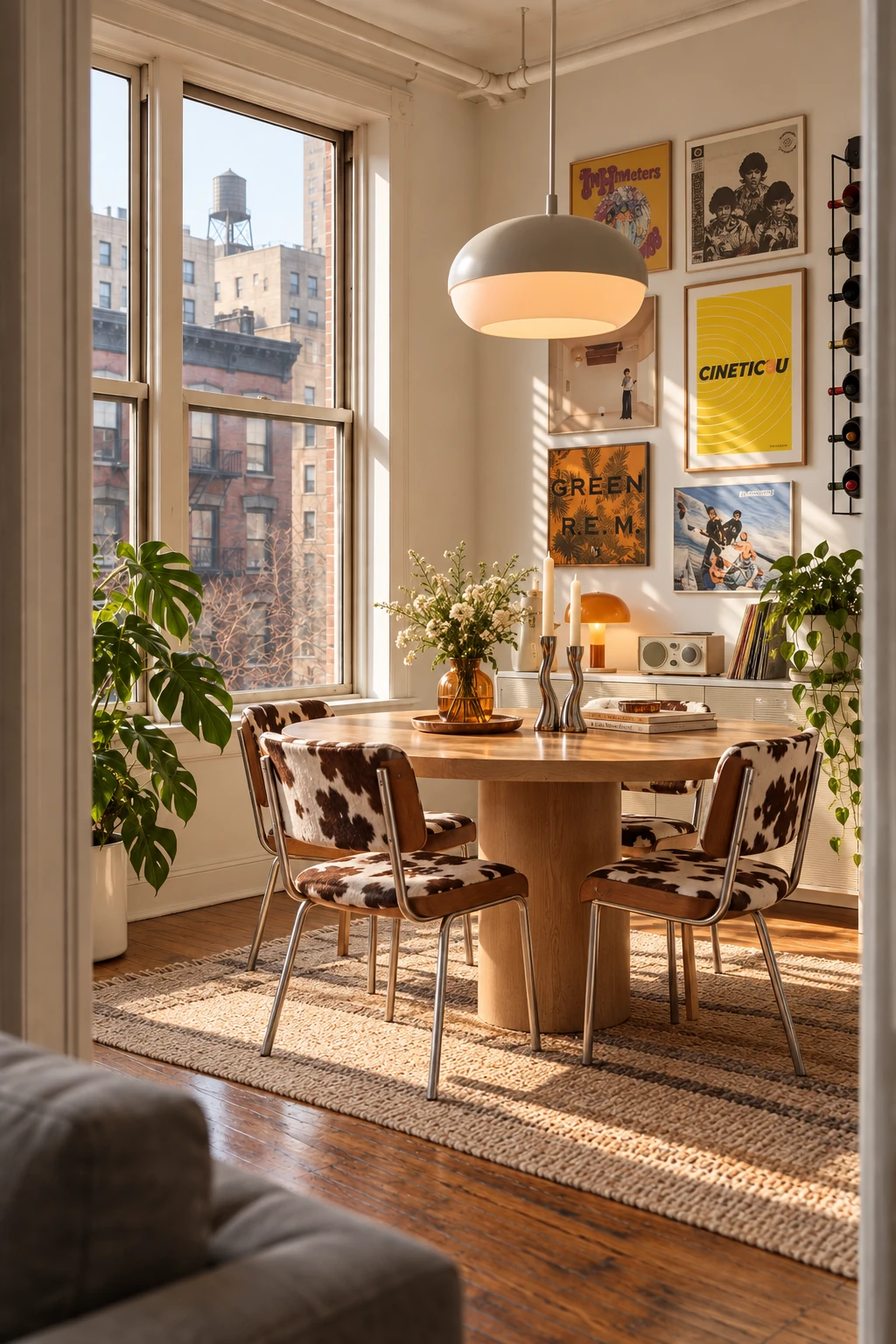
Dining room
Good to know.
What can I do with Spatial?
Redesign a room from a photo, edit furniture and finishes, collect inspiration in moodboards, and create 3D room images.
Do I need design experience?
No. Start with a room photo, choose a style, and describe the changes you want in everyday language. You can keep refining as your ideas take shape.
Can I change just one part of my room?
Yes. Use the editing tools to describe a specific change, such as a different sofa, wall finish, or lighting.
Can I use my own inspiration?
Bring images, colors, and textures together in a moodboard to guide your design. You can also connect Pinterest and use a saved pin as a reference.
Where can I use Spatial?
Use Spatial in your browser or on iOS. Open the web app or download it on the App Store.